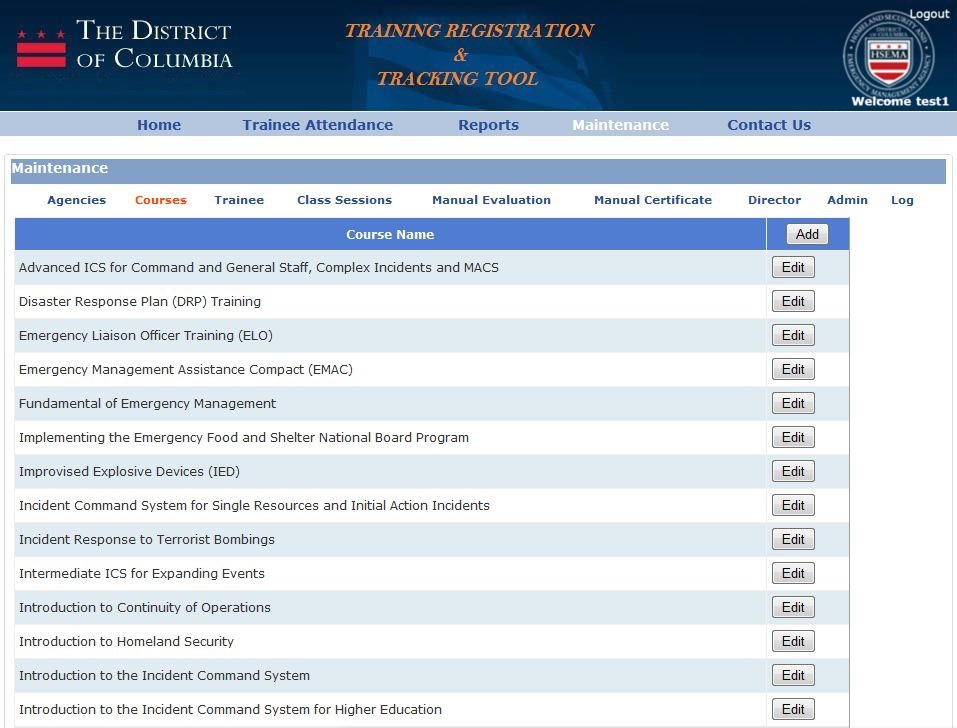
The Courses sub-menu item under the Maintenance screen, allows an Admin of the Training Tracking system, to add and edit the courses available in the system. To add a new course, the Admin should select the "Add" button at the top right of the main content table on this screen. To edit the details of an existing course, the Admin should select the"Edit" button next to the course that they wish to change. Either of these options will immediately update the details for these courses in the system.